( Once downloaded and extracted the driver, Use your mouse right click to open .pkg file with the installer rather than double click to install it)
Print Waybill (Windows & Mac)
Download the sample air waybill to test print if you don’t have any airwaybill .
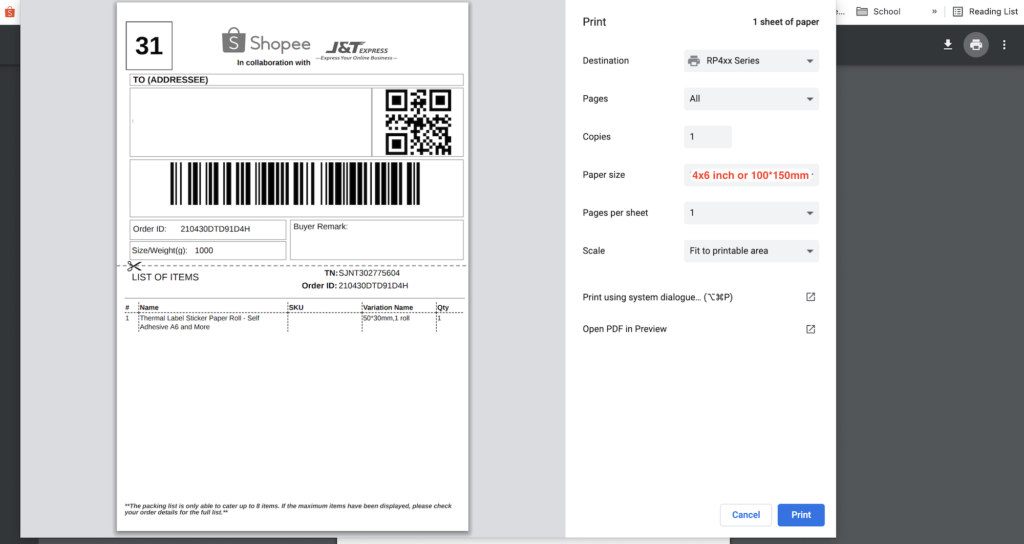
Please choose paper size of 4×6” or 100x150mm when print waybills
Printing Settings for Shopee
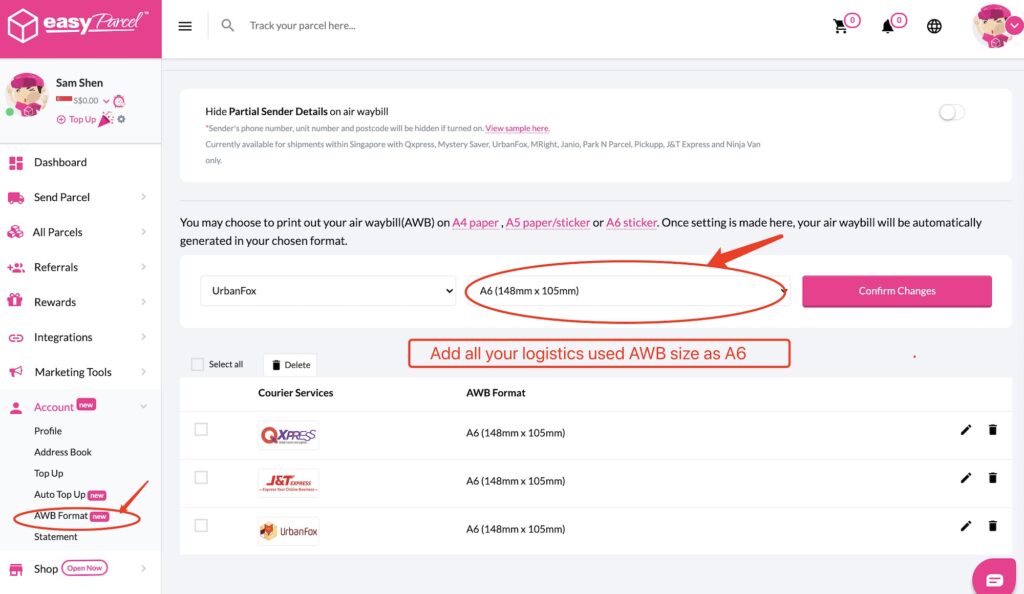
Printing Settings for Easy Parcel
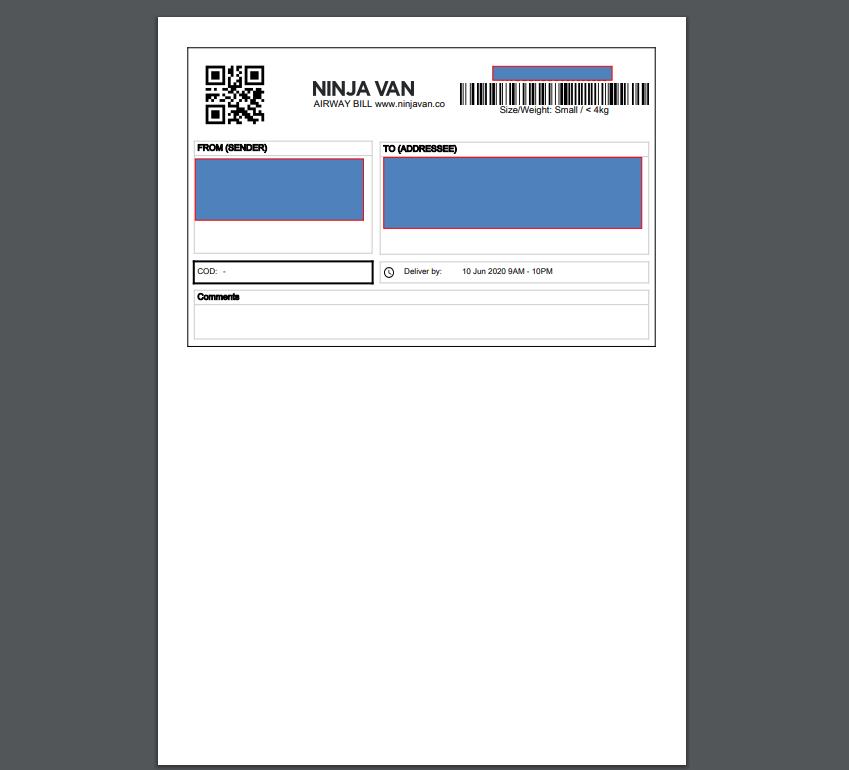
Printing Settings for Ninja Van dashboard
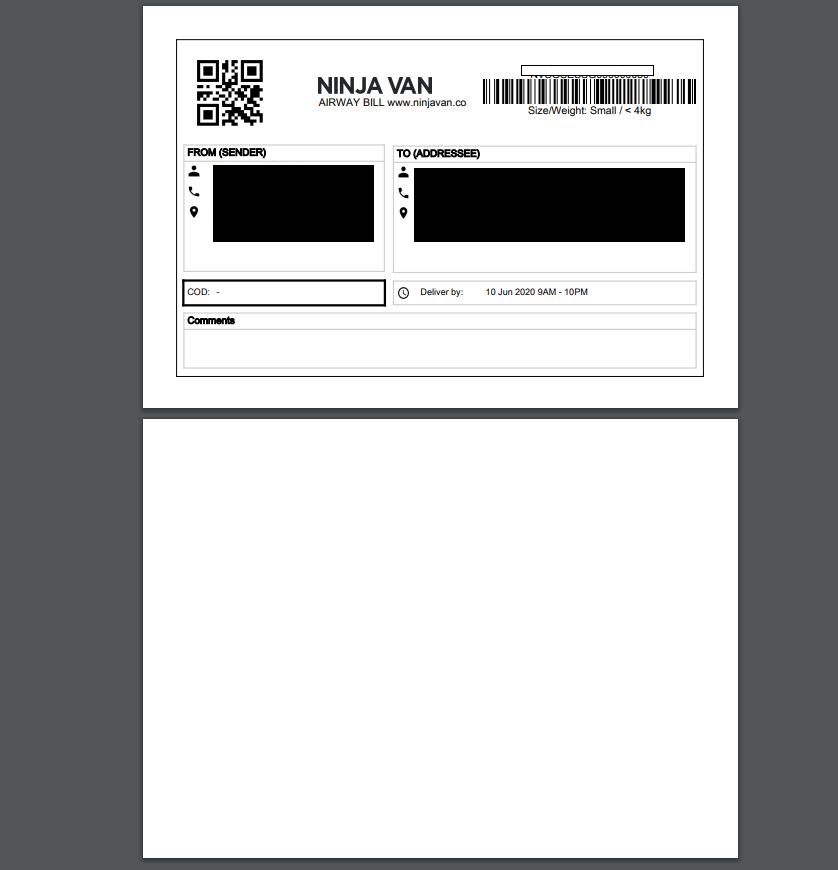
Ninjia van dashboard air waybill is not optimized for label printer and need to modify before print. Solution:
Download your airway bill pdf file in 1 bills per page format from Ninjia van dashboard and then Go to this link. Upload you waybill and split one page to 2 pages. Download the new pdf file and print first page.
HOW TO DESIGN LABEL
WINDOWS
DownloadFREE label design softwareand follow the video below to install and use it
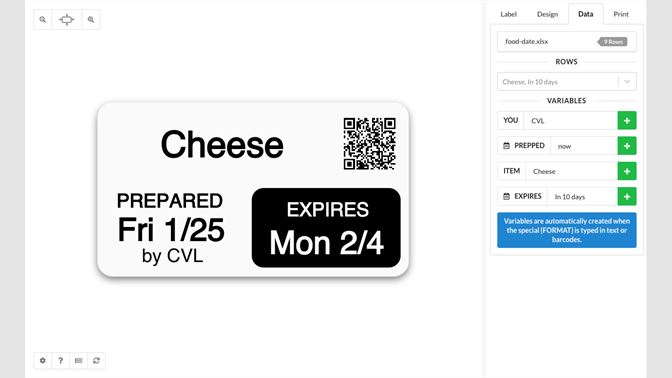
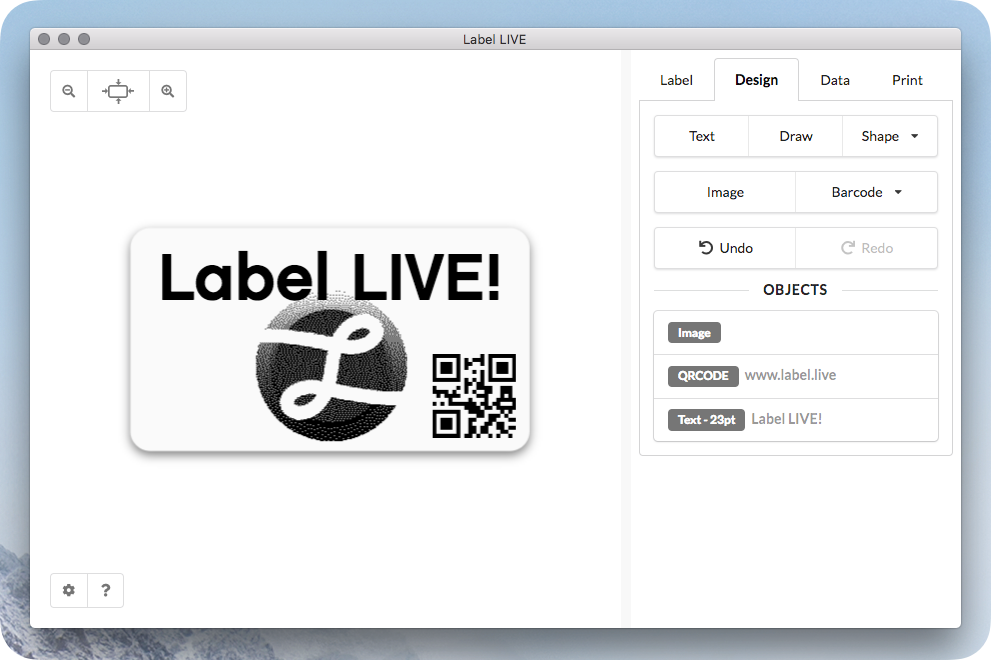
This is one more Easy Use and professional Paid label design software called Live Label, You can download and try Here
MAC
There is one Easy Use and professional Paid label design software called Live Label, You can download and try Here
There is no free software currently. If you want to design a label inclusive of text, shape, barcode and QR code, follow this video to use online platform Canva to design and then download the pdf to print