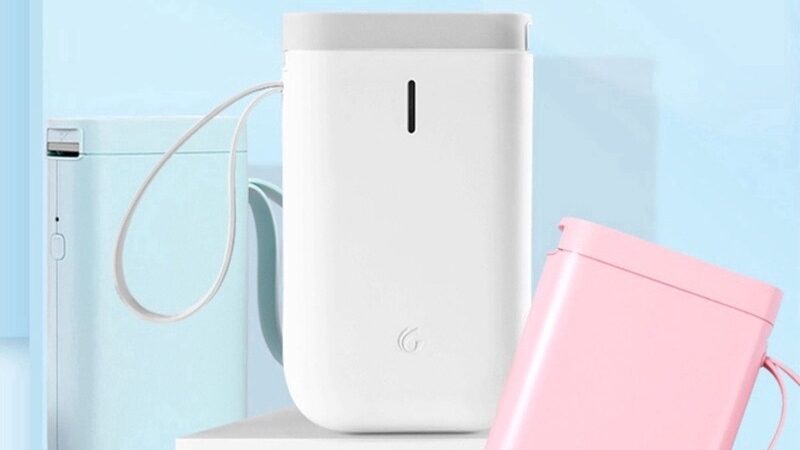
Thank you for purchasing Niimbot portable label printer. All of them use the same app: Niimbot. Please read the following instructions to operate your label printer.
Attention:
1. Please make sure you are not charging the printer while using it. This will affect the bluetooth connection !
2. Please charge your printer at least a month to maintain printer battery health
Search NiiMbot in your Appstore (iOS) and Playstore ( Android) and install the app.
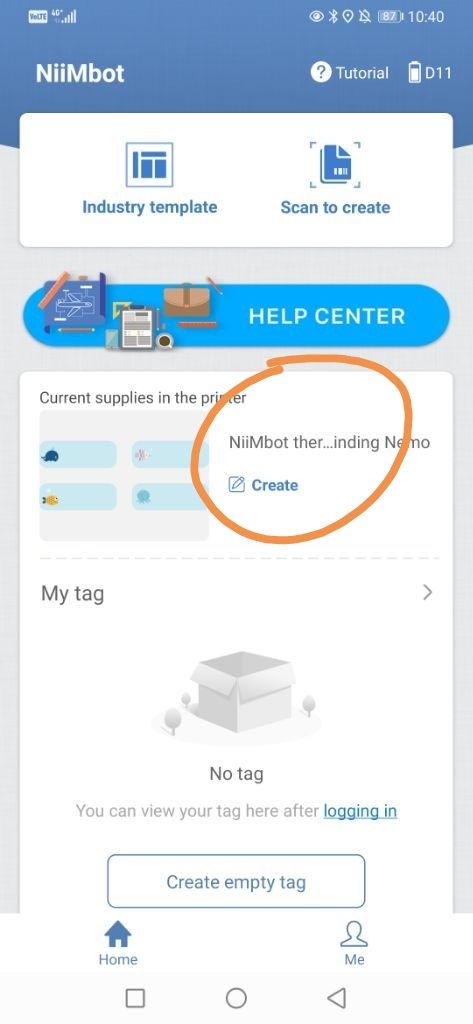
After your app is opened with printer connected and label rolls installed, your labels will be recognised automatically by the app ( Please do not remove sticker on side of label roll) . Please open this button in app to start designing the label
D11 operation video
D101 operation video
B21 Operation Video
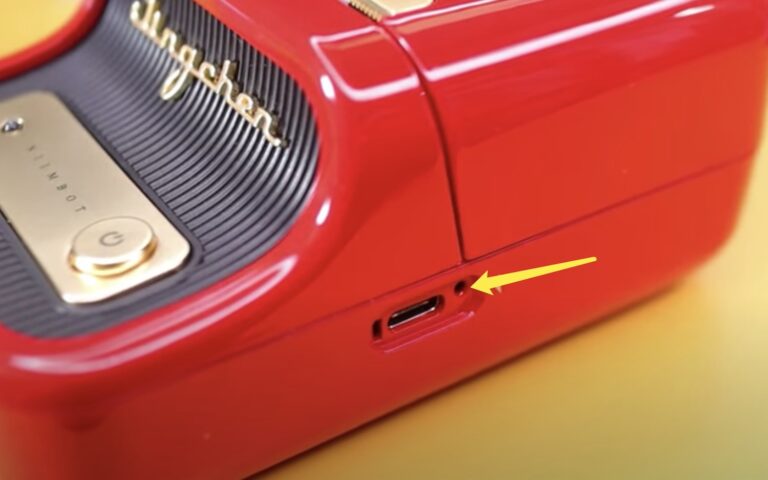
For B21: In very few cases, If printer cannot charge ( LED is not ON while charging) and cannot turn on (Press button to end and hold 5 sec) . Please use SIM tool to push reset position 3 sec & wait 1 min, then try to turn on again. )